Raku Viewer v0.8.x
A downloadable tool for Windows
This software is currently in alpha version
Supported image formats: BMP, TARGA, ICO JPEG, JPEG2000 (JP2, J2K, MJ2), EXR, DDS, TIFF, HEIF, HDR, PNM, PSD, KRA, MDP (thumb), CLIP, QOI, SVG(raster), RAW(CRW, DCR, NRW, SRF, RWL, ORL, FFF etc), DNG
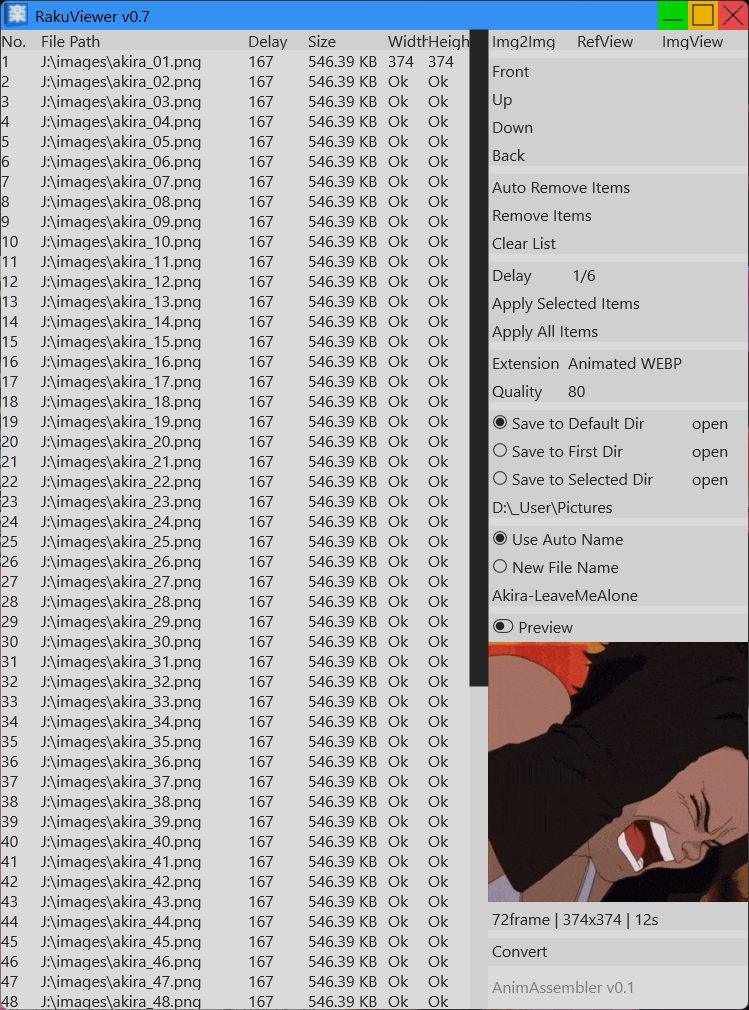
Supported animated formats: aGIF, aPNG, aJXL, aWEBP, aAVIF
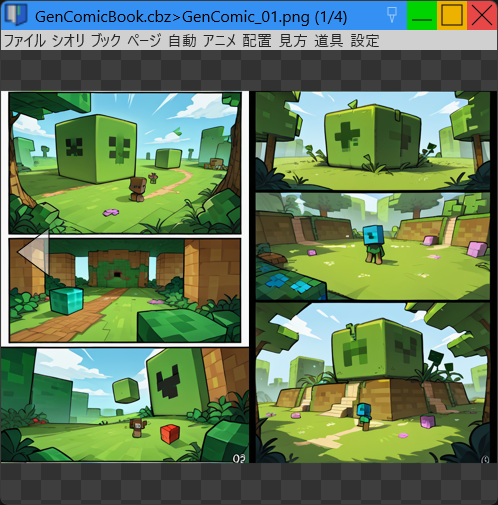
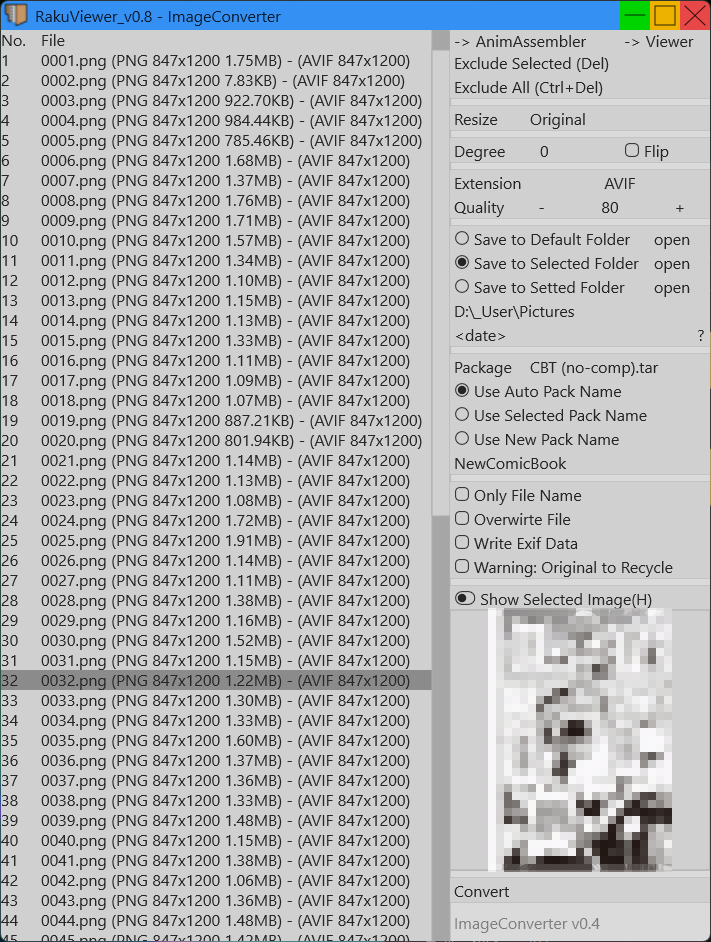
Supported container formats: CBZ (ZIP), CB7 (7Z), CBT (TAR), CBR (RAR), PDF
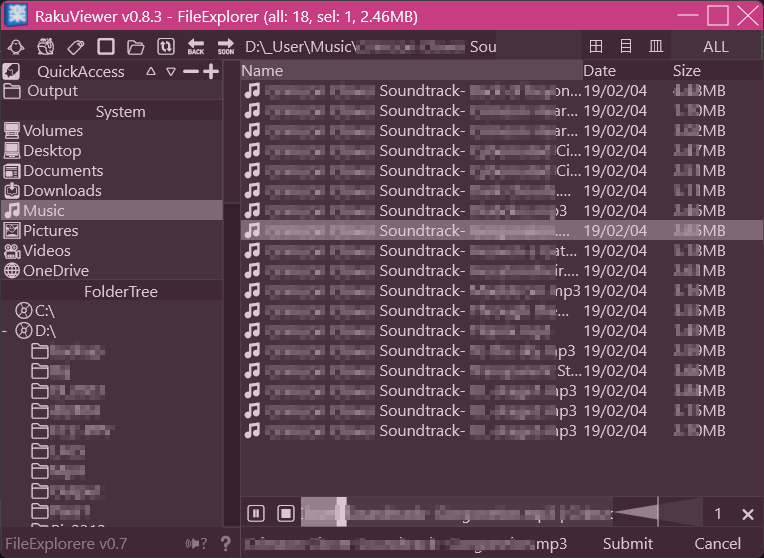
Supported audio formats: WAV, WMA, OGG, MP3, AIFF, FLAC
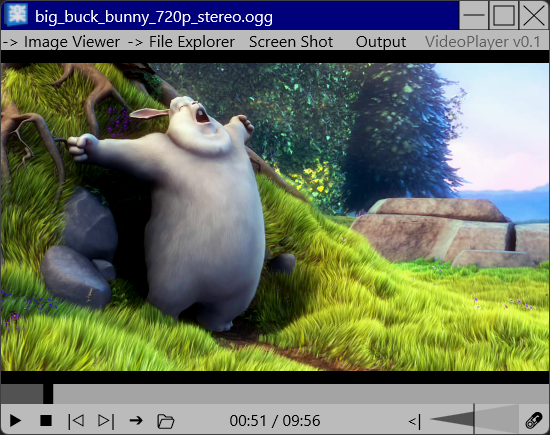
Supported video formats: MKV, WMV, FLV, MP4, AVI, WEBM
Exportable formats: aAVIF, aWEBP, aJXL, PNG, JPG, ICO, CBZ, CB7, CBT, PDF
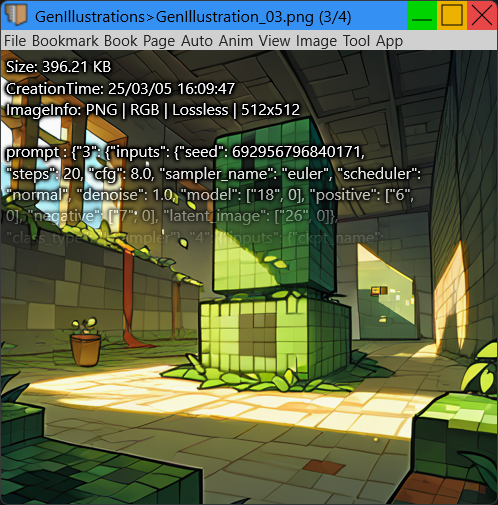
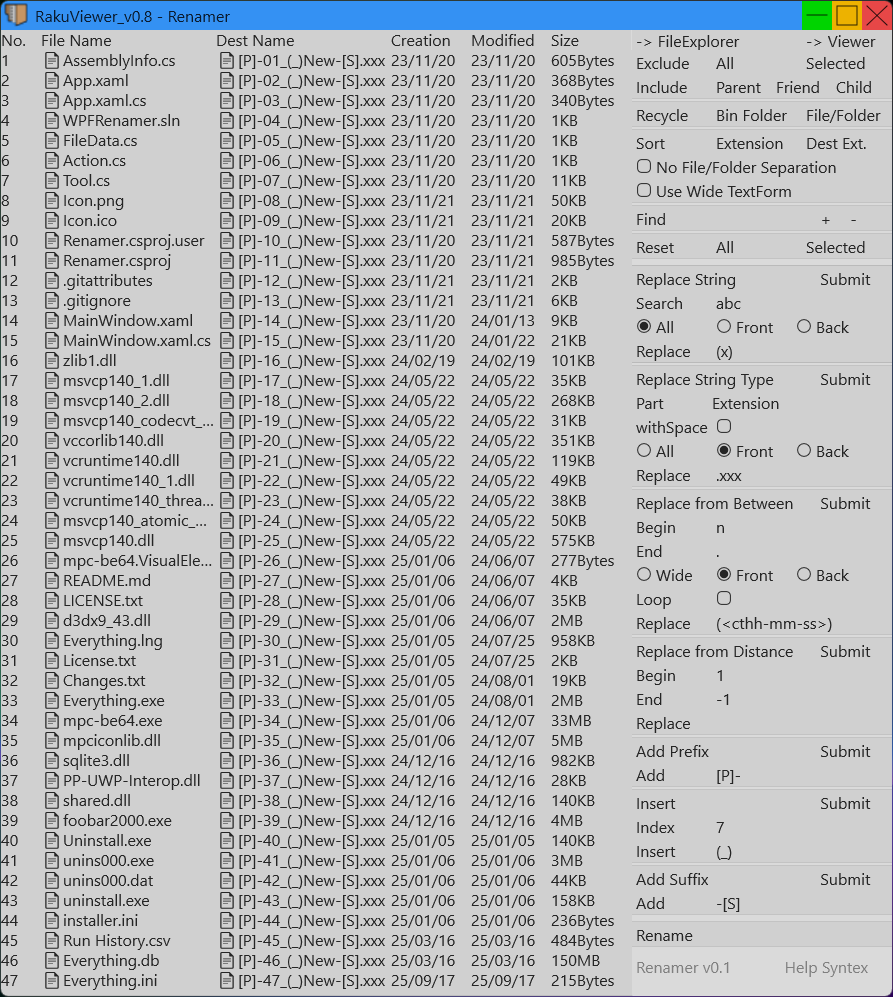
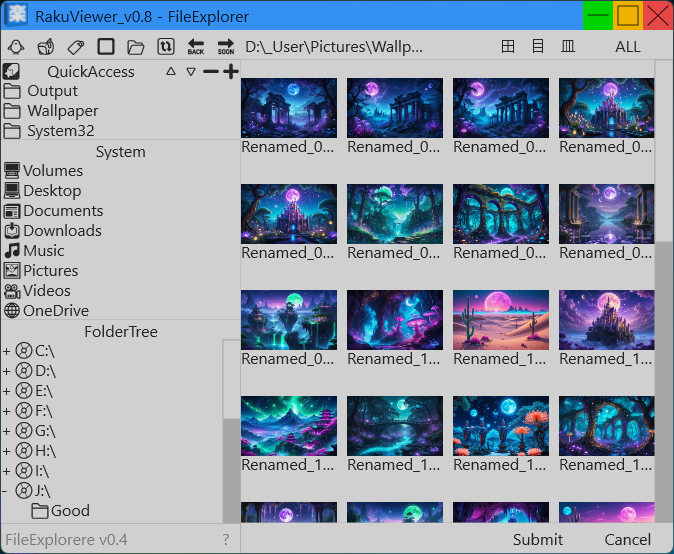
Extra features: image converter, anim assembler, renamer, file explorer, audio player, video player, display exif info, chroma key mode etc
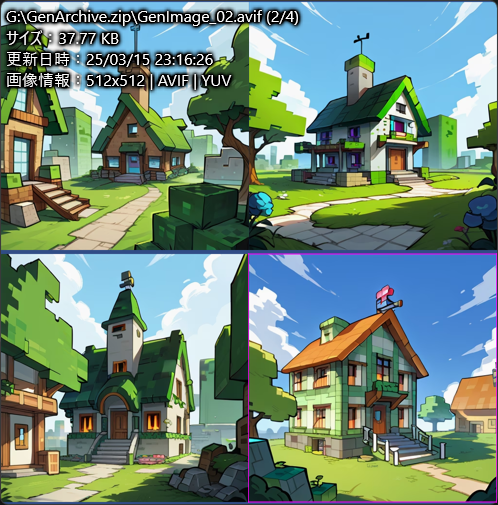
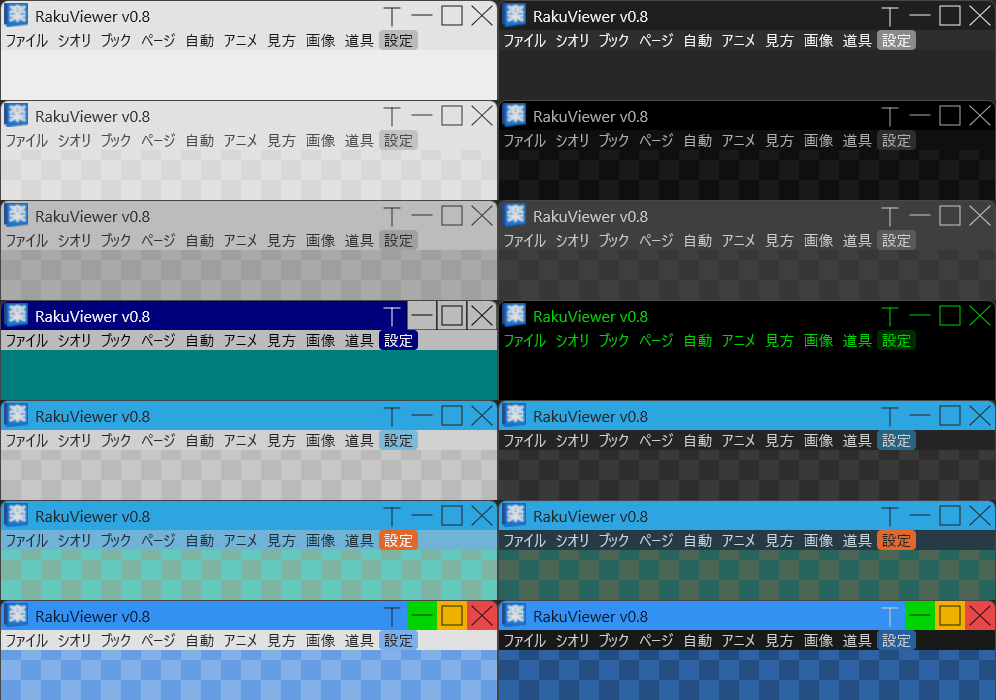
Supported Languages: Deutsch, English, Español, Français, Bahasa Indonesia, Italiano, 日本語, 한국어, Português, Русский ,ภาษาไทย, Tiếng Việt, 中文简体, 中文繁體
System requirements: OS(Windows 11 / 10 (64-bit)) Memory(Shuts down automatically if memory usage exceeds 90%)
※ First launch: "Windows protected your PC" → More info → Run anyway
※ If Windows mistakenly detects the file as a virus and prevents download or execution:
-
Download the password-protected
.zipfile. -
After extracting the file, right-click on
RakuViewer.exeand select Scan with Microsoft Defender. -
When the Windows Security window appears, click Allow on device, then select Start actions to apply the change.
※ If a runtime error occurs when launching the application:
Please install the latest Microsoft Visual C++ Redistributable from the following link:
https://aka.ms/vs/17/release/VC_redist.x64.exe
※When upgrading from an earlier version, overwrite the existing files without deleting them.
BOOTHからダウンロード(日本語)
Update History(Japanese)
Download
Click download now to get access to the following files: